Modern speed, classic simplicity — a second brain that just works.
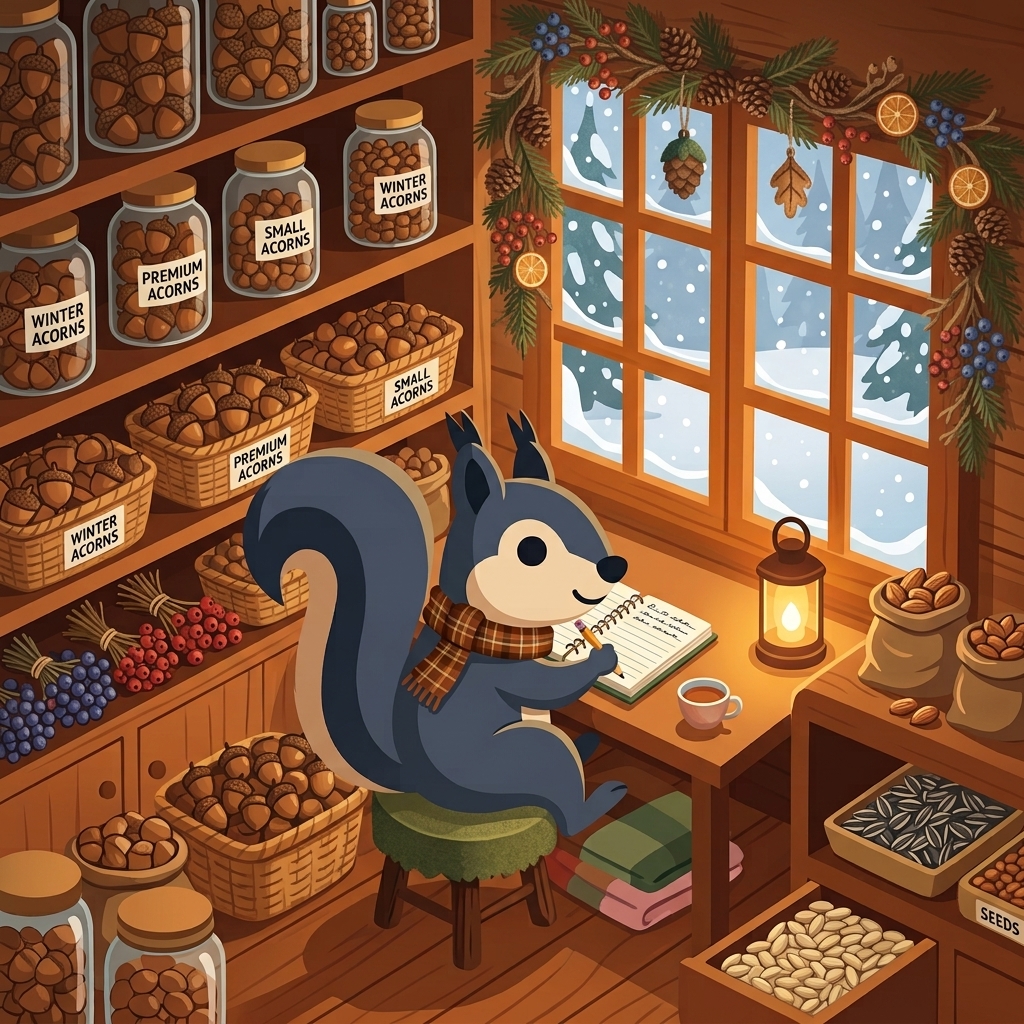
Every autumn, squirrels bury thousands of acorns across their territory. It looks random — but it isn’t. It’s a masterclass in effortless memory: months later, in the dead of winter, every squirrel knows exactly where every acorn is.
That’s the idea behind tidanote, and it’s why the little squirrel is our logo.
Most note apps make you act like a librarian: file every thought, clip, and photo into the right folder before you can move on. But capturing an idea shouldn’t feel like database administration. It should feel like stashing an acorn — instant, zero-friction, trusted.
Whether you drop a thought on your Daily Canvas, clip a web page, or snap a photo of a document, tidanote’s local-first engine indexes everything behind the scenes. Weeks later, when you need it, it surfaces instantly. No hunting.
Why we built tidanote
Remember early Evernote? A fast, reliable place to dump anything and find it instantly. Over time, note apps drifted to two extremes: bloated workspaces that take forever to open and overwhelm you with features — or power-user graph tools that take hours to set up before you can write a single note.
Liam, one of our core developers, spent over a decade on that exact search. Yojimbo, Evernote, Obsidian, Google Keep, OneNote, DEVONthink, and — in recent years — plain Apple Notes. Time and again he’d sink hours into configuring an app or a workflow, only to realize months later that he’d overestimated what he needed, and to ask himself what a note app is actually for.
For many of us, the answer is simple. A reliable note app: fast, cross-platform, no lock-in, and just enough power for the people who actually use it.
That’s exactly why we built tidanote.
Built on a modern engine
Under the hood, tidanote is built from the ground up on a local-first CRDT (Conflict-free Replicated Data Type) engine:
- Opens in under a third of a second — no loading spinners; ready to type the moment you tap the icon.
- Instant, conflict-free sync — your notes live on your device first, then sync seamlessly across your devices. No “which device has the latest version?” — ever.
- On-device OCR (iPhone & iPad) — the text inside your photos is read on your device, never uploaded. Private by design.
- No lock-in — one-click export to Markdown, HTML, or ENEX. Your notes are yours, full stop.
Capture today on the Daily Canvas
The Daily Canvas is your daily command center. Don’t worry about where to file a thought — everything you capture today lands on one continuous, time-anchored timeline.
Snap a photo, paste a snippet, jot down meeting notes. Organize into notebooks later if you want — or don’t. tidanote’s full-text + OCR search makes sure nothing is ever lost.
From quick notes to action: checklists that do the work
Notes and tasks belong together. In tidanote, turning a thought into action takes zero context-switching — just type:
- [ ] Review risk model slides @high @due(tomorrow)
- [ ] Send the follow-up report @med @due(2026-10-15)
- [ ] Book flights @low @due(next monday)
As you type:
@high/@med/@low— sets priority (rendered as red!!!, amber!!, or gray!).@due(…)— sets a due date, in plain language:
@due(today) @due(tomorrow) @due(friday) @due(next monday) @due(+3d) @due(2026-10-15)Then the magic: tidanote gathers every in-note checklist across your whole workspace into a single Upcoming view — a clear, time-blocked horizon of your week. Check something off there and it updates in the original note, instantly. No copying into a separate task manager.
A keyboard maniac like us? ⌘D sets a due date and ⌘! cycles priority.
Designed for everyone (power users included)
You don’t need to be a systems architect to love tidanote.
- Clean, familiar UI — notebooks, tags, and a daily timeline on top. No fancy gimmicks — just something that simply works.
- Power underneath — local-first CRDT sync, on-device OCR, full-text search, a keyboard-first command palette (
⌘K), and a web clipper + iOS share extension for quick capture. - Cross-platform — designed from the ground up so your notes are always with you, on every device.
What’s next
tidanote will keep getting better — we ship constantly, and the roadmap is shaped by the community we’re building it for. Here’s a taste of what’s coming:
-
Bring your own storage — point tidanote at your own WebDAV, S3, or Google Drive. Your data, your rules.
-
Version history — rewind any note to any moment, and undo with confidence.
-
Private, opt-in AI — summaries, rewrites, and instant recall that run on your device, never trained on your notes.
-
Alfred workflow — capture a thought from the macOS command bar without even opening the app.
-
Notebook Templates that do the work — purpose-built notebooks like Cookbook, Meal Planner, Personal Journal, Travel Notebook, and more.
-
Shared notebooks — collaborate with your team, when you’re ready.
And that’s just the beginning — built for the community, shaped by you.
Start stashing your acorns
We built tidanote because we wanted a note app that feels fast, stays out of the way, and remembers everything so we don’t have to.
Cross-platform sync is free — always. No surprises, no lock-in.
Join the beta, build your daily canvas, and let’s make a great note app together.